> For the complete documentation index, see [llms.txt](https://docs.pavothemes.com/edudeme/llms.txt). Markdown versions of documentation pages are available by appending `.md` to page URLs; this page is available as [Markdown](https://docs.pavothemes.com/edudeme/faqs/how-to-submit-ticket.md).
# How To Submit Ticket
If you have any problems, you can submit your problem in the ticket. We will check it and resolve it as soon as possible.
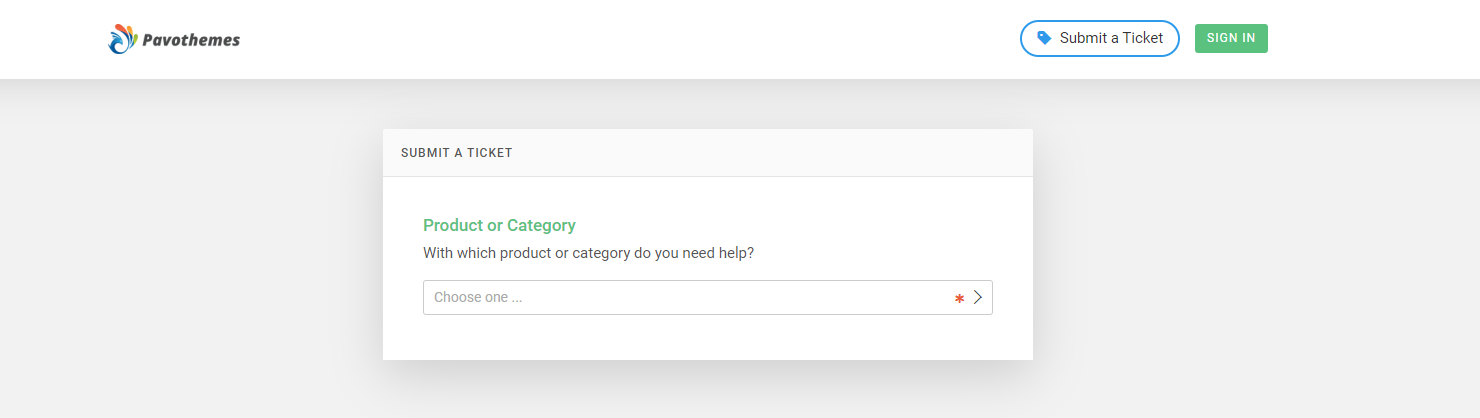
1. **Step 1:** Go to this link: and then it will go to submit page.
2. **Step 2:** Click to the button "**Submit a ticket**" to display the form submit.

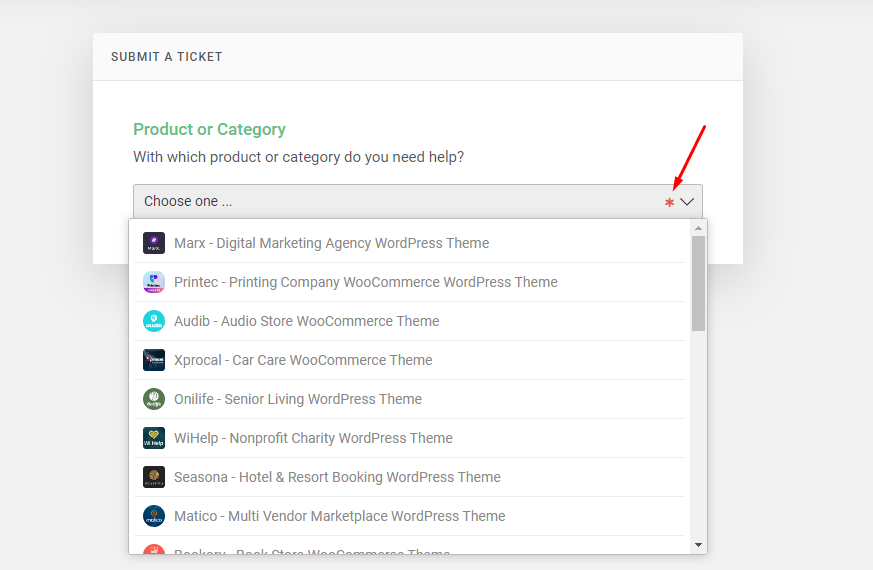
3\. **Step 3:** Please choose the category of the theme that you bought
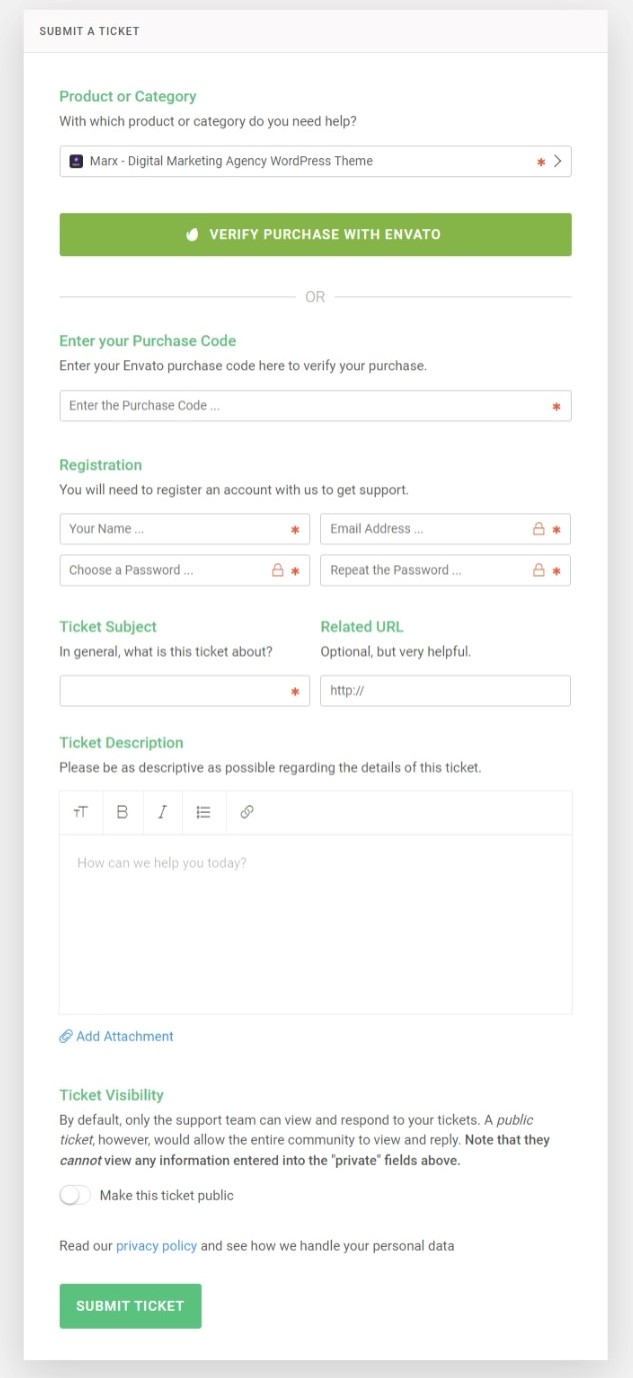
4\. **Step 4:** Fill in all information about: **Enter your Purchase Code**, **Registration**, ticket description, and Ticket Description then click on to button "**Submit Ticket**". Then please wait and keep contact via ticket, when we check and fix it, we will contact you via ticket.