> For the complete documentation index, see [llms.txt](https://docs.pavothemes.com/arucafe/llms.txt). Markdown versions of documentation pages are available by appending `.md` to page URLs; this page is available as [Markdown](https://docs.pavothemes.com/arucafe/woocommerce/product-catalog.md).
# Product Catalog
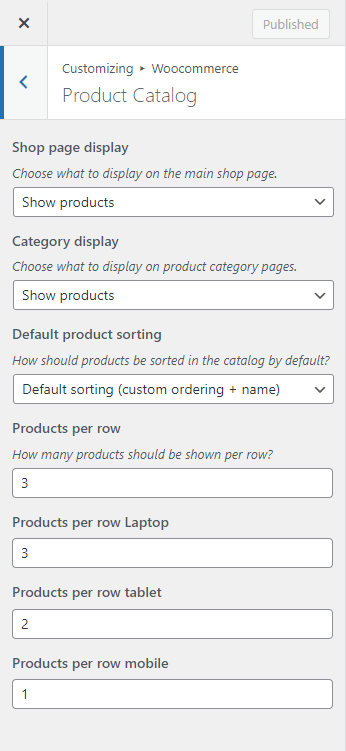
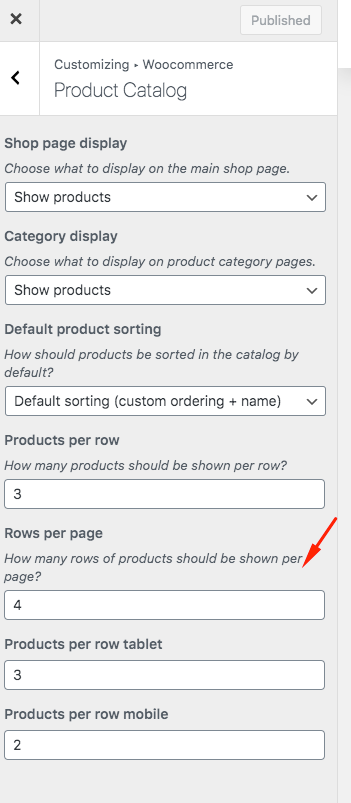
To set product per row, per page, you should tap "**WordPress Dashboard -> Customize -> WooCommerce"** then edit **"Product Catalog"**
* Products per row: Fill the number of products per row as you want to show at the category page.
* Rows per page: Set the number of rows of product display on category page.