> For the complete documentation index, see [llms.txt](https://docs.pavothemes.com/arucafe/llms.txt). Markdown versions of documentation pages are available by appending `.md` to page URLs; this page is available as [Markdown](https://docs.pavothemes.com/arucafe/setting/button.md).

# Button

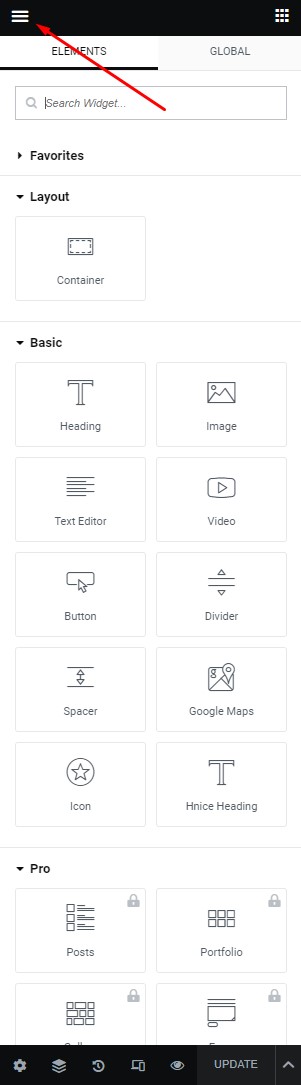
**Step 1** - you can go to any elementor edit page.

<figure><img src="https://content.gitbook.com/content/SRg8j8rITm0c7T6js6cn/blobs/iCyLra24ieA7pTEuo70C/layout1.jpg" alt=""><figcaption></figcaption></figure>

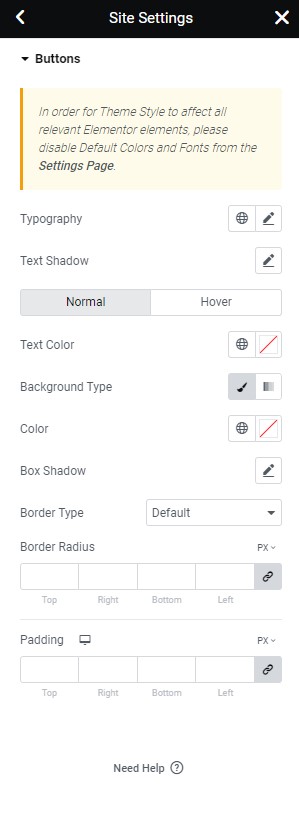
**Step 2** - Site Settings >> Button >>

<figure><img src="https://content.gitbook.com/content/SRg8j8rITm0c7T6js6cn/blobs/FDIENEZpnvz0l1pNReVb/button.jpg" alt=""><figcaption></figcaption></figure>

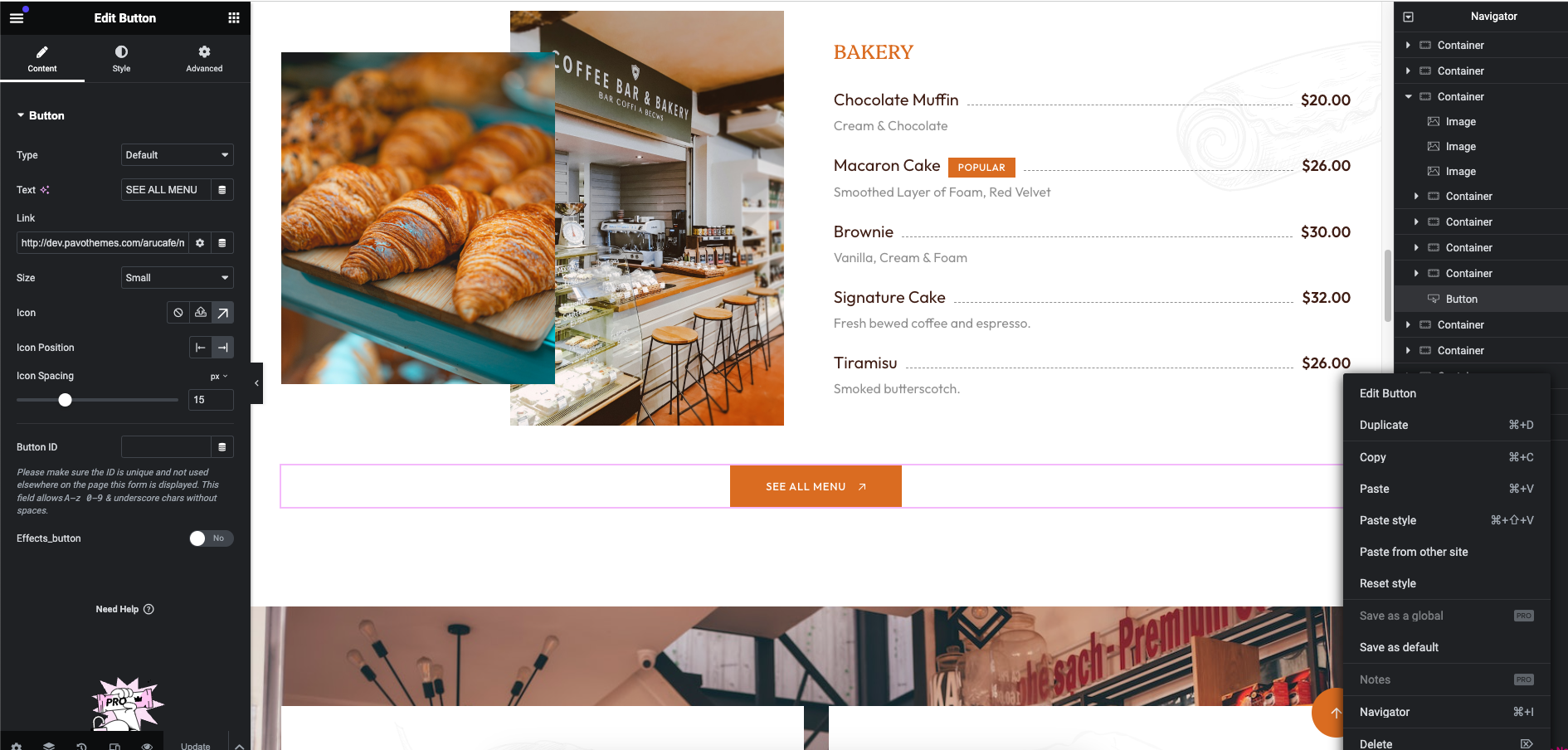
**Step 3** - Settings Button for your site

<figure><img src="https://content.gitbook.com/content/SRg8j8rITm0c7T6js6cn/blobs/cltRB6Lrx51dnSMELked/Screenshot%202024-05-17%20at%2009.42.39.png" alt=""><figcaption></figcaption></figure>

**The Front end looks like**&#x20;